Image tools,
made for speed.
The AI image workspace for documents, creators, and productivity. Compress, resize, and convert right in your browser — no sign-up for those basics. Or drop or paste an image anywhere on this page.
- Browser-native
- No upload for basics
- Free to start
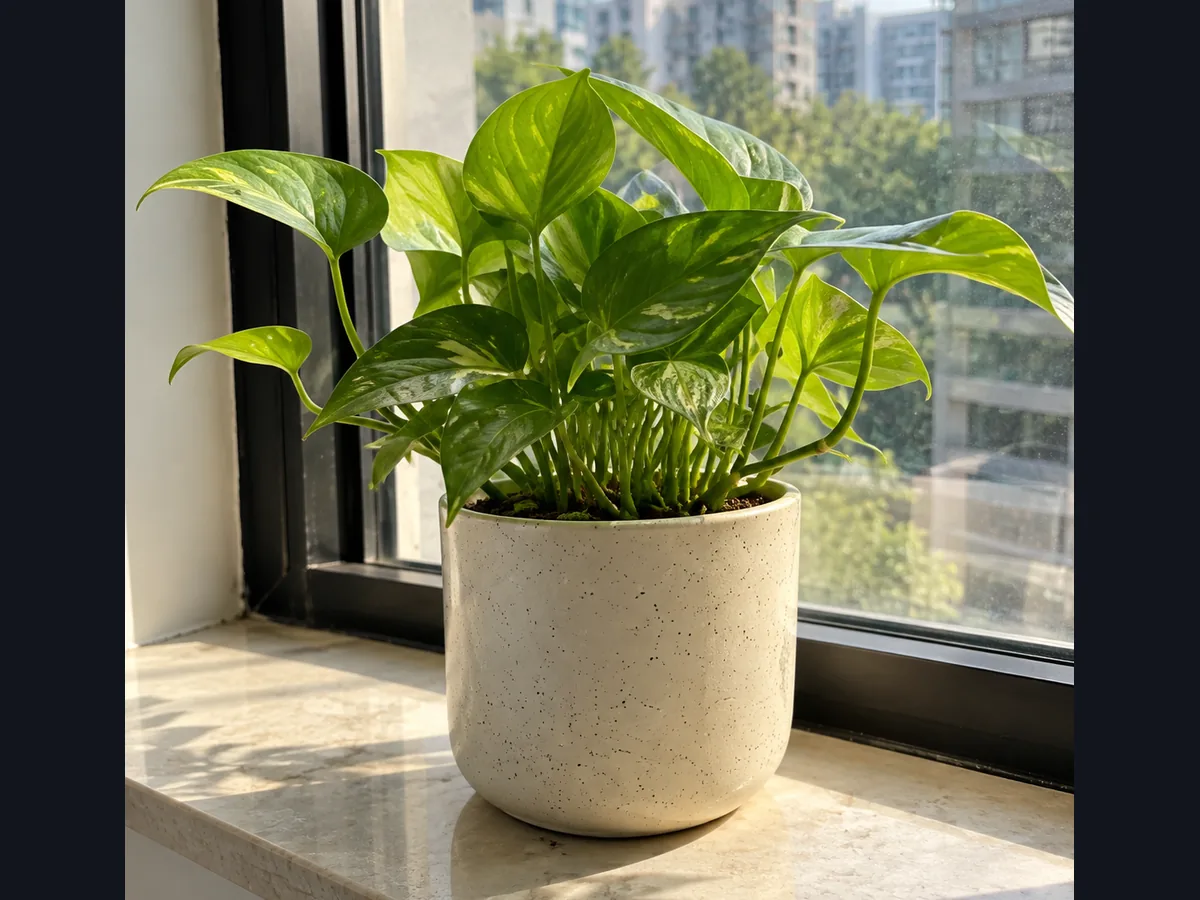

Real, unretouched output from our background-removal model. Sample photo is AI-generated; the cut-out is real output.
Try it right now — compress a real image.
Drop any JPG, PNG, or WebP and watch it shrink in your browser. This tool doesn't upload your file, there's nothing to install, and you don't need an account. This is the actual tool, not a mockup.
- Up to 50 MB per image
- Download the optimized result instantly
Every image tool, in one place
31 tools available now across 4 families, with more on the way.
- Local
Compress
Smaller files with adjustable quality
Try it now
- Local
Resize
Scale to exact dimensions or presets
Try it now
- Local
Convert format
JPG · PNG · WebP free. AVIF output is Pro. HEIC input supported
Try it now
- Local
Crop
Trim to any aspect ratio
Try it now
- Local
Social media resize
One image, every social size, ready in one ZIP
Try it now
- Local
Image to PDF
Combine, reorder, and export images as one private PDF
Try it now
- Local
PDF to image
Turn PDF pages into crisp PNG, JPG, or WebP images
Try it now
- ★ Pro
Remove background
AI-powered, edges preserved
Try it now
- ★ Pro
AI Upscale 4×
Sharper photos without artifacts
Try it now
Auto Enhance
Fix lighting and color free. Denoise and face enhancement are Pro
Try it now
- ★ Pro
Restore old photos
Restore faces and rebuild detail at 2×
Try it now
- ★ Pro
Magic eraser
Brush over unwanted objects and remove them
Try it now
Scan cleanup
Remove shadows and enhance documents
Try it now
Scan to searchable PDF
Clean document photos and combine them into one searchable PDF
Try it now
- Local
Watermark
Add logo, text, or pattern
Try it now
- Local
Filters
Color grades and looks
Try it now
- Local
Rotate & Flip
Quick orientation fixes
Try it now
- Local
Color adjust
Exposure, saturation, white balance
Try it now
Passport photo
Print-ready ID and passport photos
Try it now
- Local
Blur & redact
Blur faces and permanently cover sensitive details
Try it now
- Local
Image to text
Extract text from images and scans with private OCR
Try it now
- Local
Signature maker
Draw, type, or clean up a signature in your browser
Try it now
- Local
Sign a document
Place your signature on a PDF and export it privately
Try it now
- Local
Screenshot beautifier
Add polished backgrounds, frames, shadows, and depth
Try it now
- Local
Collage & contact sheet
Arrange photos in one image or paginate them onto sheets
Try it now
- Local
GIF maker
Turn still images into an animated GIF with your own timing
Try it now
- Local
Image splitter & carousel
Cut an image into exact tiles or a seamless swipe carousel
Try it now
- Local
ID card cropper
Detect, crop, and straighten document photos on-device
Try it now
- Local
Bulk create from CSV
Turn a table into one finished design per row
Try it now
- Local
Website image kit
Responsive image sets, favicons and app icons with the HTML
Try it now
- ★ Pro
Product photo kit
Prepare marketplace-ready product images
Try it now
Everyday edits are processed in your browser.
22 of our 31 tools don't upload your files; AI tools, and anything you save to your account, are uploaded and processed on our servers. Every tool is labelled, so look for the shield badge.
Why OpusImg
What the workspace is built around.
PDF-native
PDF to image, image to PDF, scan to searchable PDF and signing, in the same workspace as your image tools.
AI-first
Background removal, upscale, enhance and restore sit next to the basic tools and hand results to them, rather than in a separate app.
Batch flagship
Compress, convert, resize and more across a whole folder: 5 images per batch free, 100 on Pro, 500 on Business.
Browser-fast
WASM + GPU run processing locally where possible. Basics never touch a server, so they're instant and private.
Simple, honest pricing
Free for the basics. Pro for AI, AVIF and bigger batches. See full plans →
Free
$0foreverCore browser tools, free to use.
- Compress, resize, convert, crop
- Annotation & screenshot tools
- On-device files up to 50 MB
- No sign-up for basics
- Most popular
Pro
$9per monthor $84 billed yearly (save 22%)
AI superpowers for creators.
- 500 AI credits / month
- AI background remove & upscale
- Batch up to 100 images
- All formats + 30-day history
Business
$24per seat / monthMin 3 seats — $72/month, or $720 billed yearly
More credits, larger batches, and bigger uploads.
- 2,000 credits / seat / month
- Batch up to 500 images
- Uploads up to 500 MB
- Priority support
Prices in USD. Sales tax or VAT may be added at checkout, depending on where you are.