For marketplace sellers
From everyday product photos to a consistent catalogue
Drop in a batch of photos taken wherever the product happened to be. Each one comes back cut out, centred at the same scale on a marketplace-sized canvas, and the whole set downloads as one ZIP.
One real batch, unretouched
Eight products run through the kit on 2026-09-25 with the Amazon main image preset, exactly as a Pro customer gets them. Nothing below was edited afterwards.
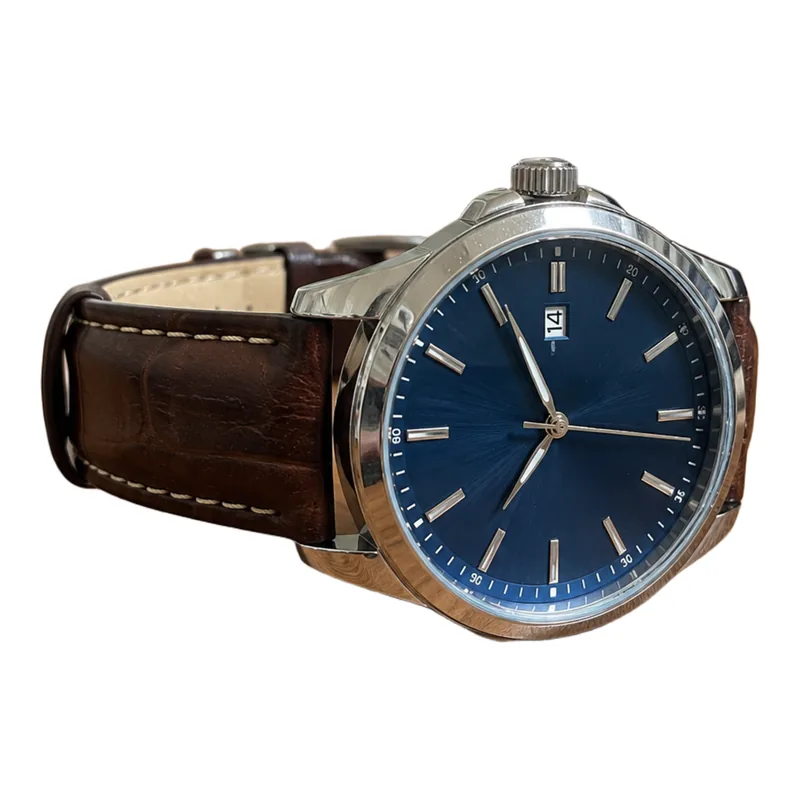
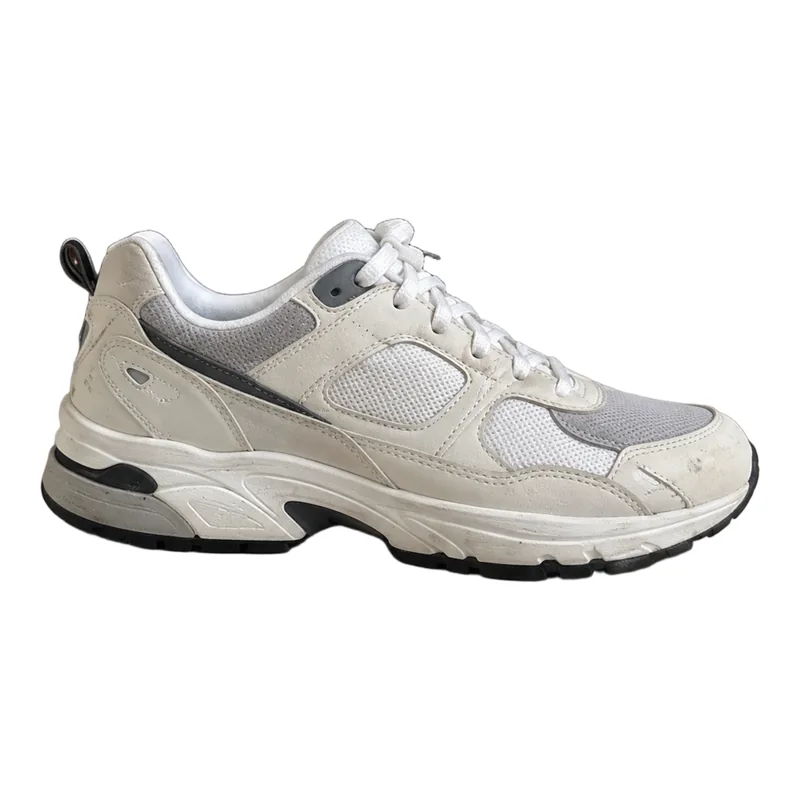
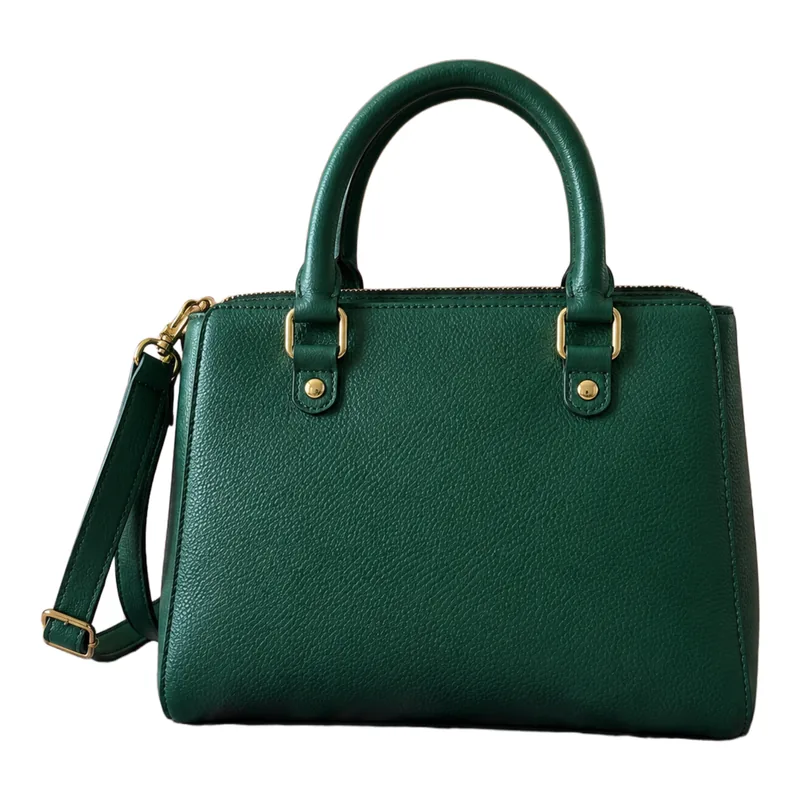
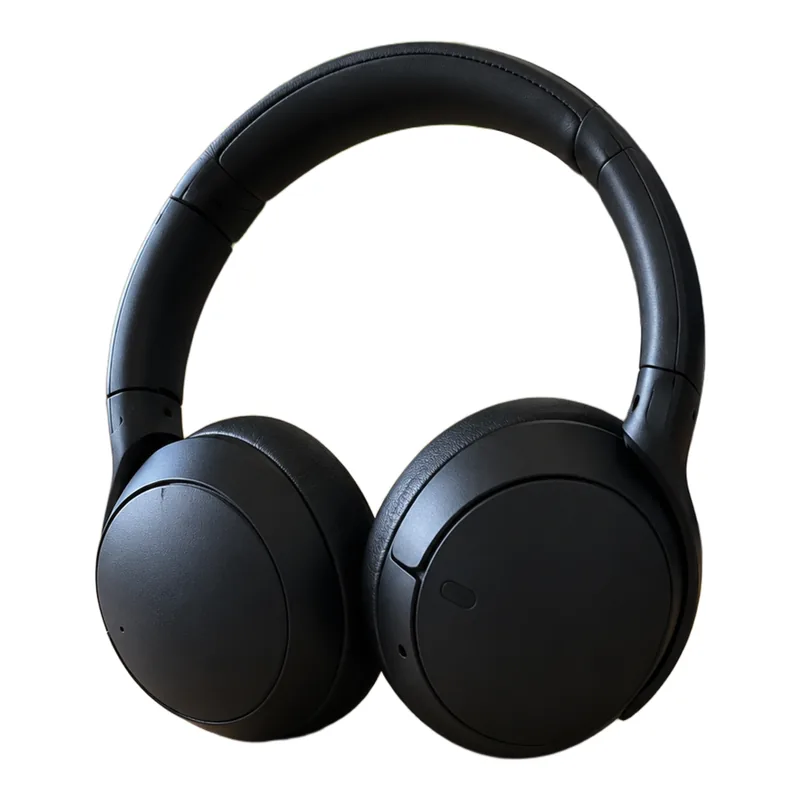
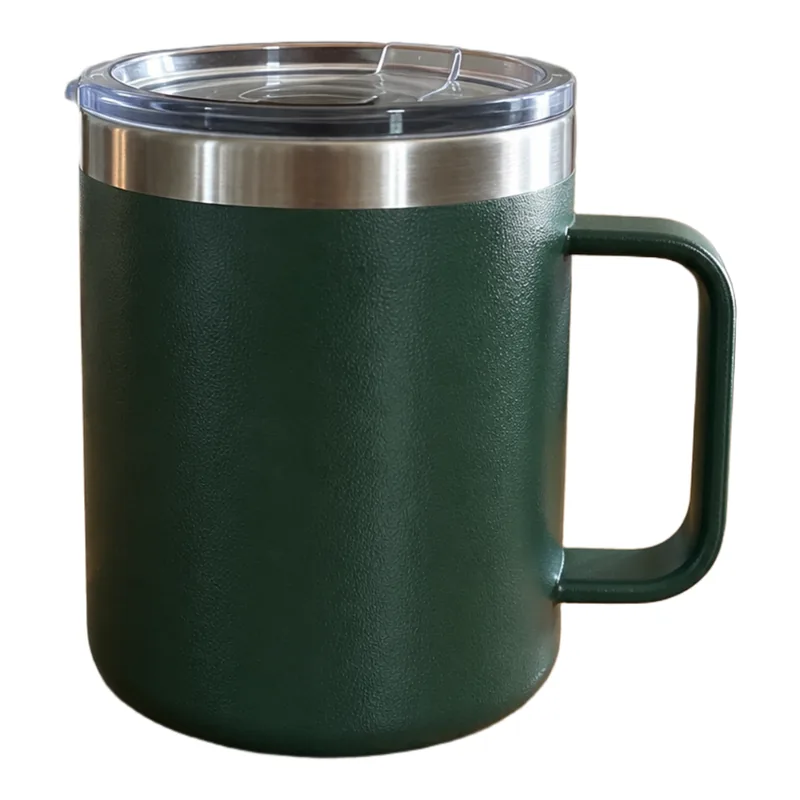
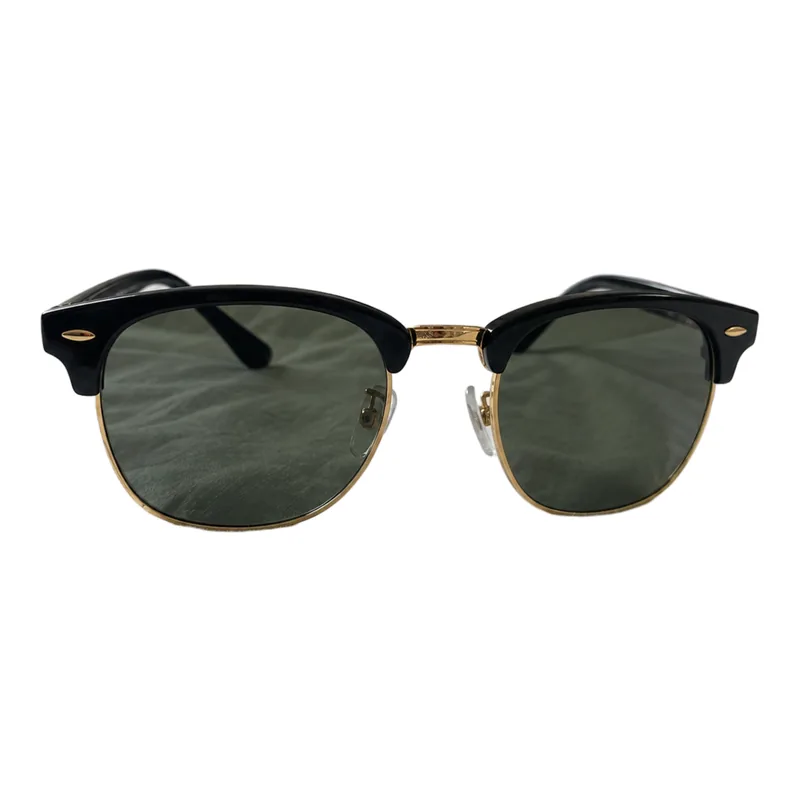
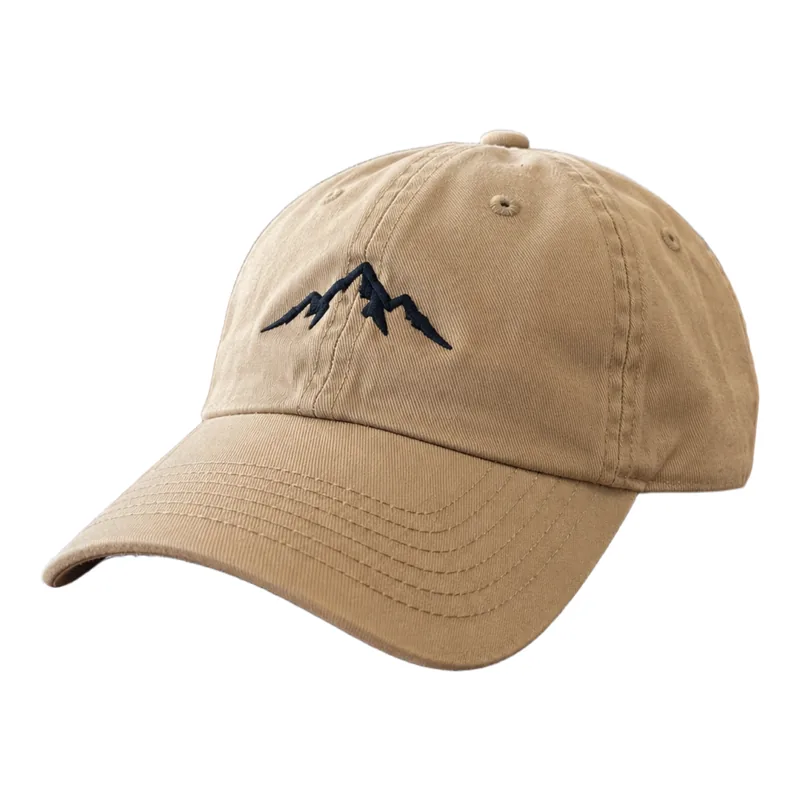
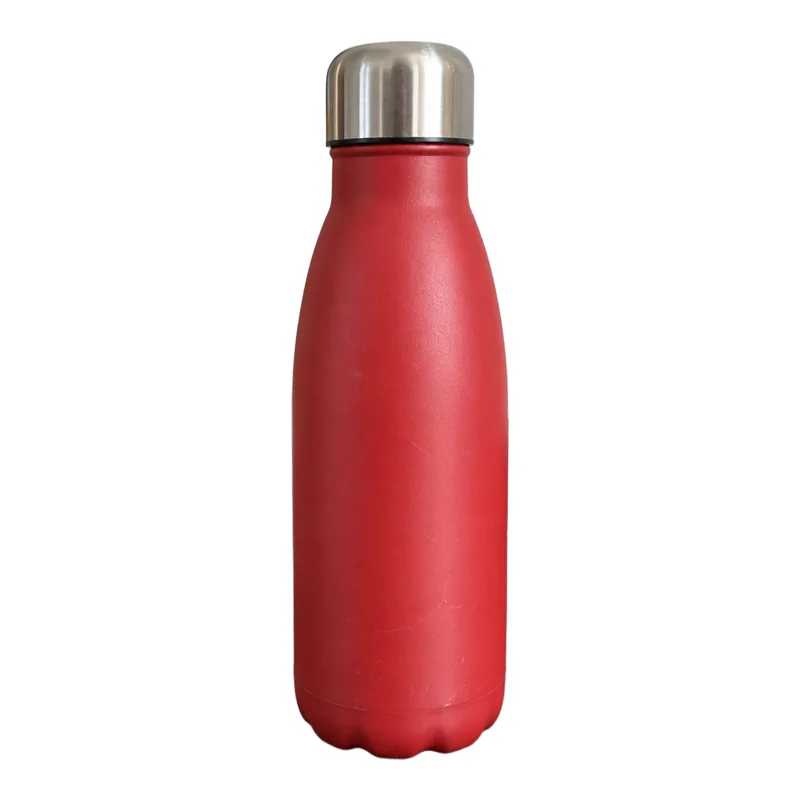
- 8 of 8
- photos came back usable, none failed
- 90%
- of the frame filled by every product along its longest side, measured on the exported files
- 68 s
- for the whole batch, upload to ZIP, on a warm server (about 2.5 min from cold)
- 8 credits
- for the batch: 1 credit per photo
One run, not an average. Every product was centred to within 0.1% of the frame on a pure white (255, 255, 255) background. Timing depends on photo size and on whether the server has been idle.
How it works
- 1
Add your photos
Up to 100 per batch — JPG, PNG, WebP or HEIC straight off a phone, up to 25 MB each.
- 2
Pick a marketplace
Amazon, Shopify or Etsy. The preset sets the canvas size and margin, and Amazon mode locks the rules its main image requires.
- 3
Download one ZIP
Every image named after its original, plus a manifest listing what was done to each file and how long it took.
Only the background removal runs on our GPUs. Sizing, background, the optional shadow and watermark (Shopify and Etsy) and the ZIP are done in your browser.
What it costs
$9/month
or $84/year · Pro plan
500 credits a month. Each product photo uses 1 credit, so that is up to 500 photos a month if you spend them all on the kit.
- • The cost of a batch is shown before it starts.
- • A photo that fails is refunded automatically.
- • Unused credits roll over, up to 2× the monthly allowance.
- • There is no free AI trial: background removal needs Pro or Business.
Marketplace presets, and where the rules come from
| Preset | Export | What the marketplace says |
|---|---|---|
| Amazon main image | 2000 × 2000 · pure white · product fills 90% · no watermark or added shadow | Pure white background, product filling 85–100% of the frame, no watermark, text, props or added shadow on the main image. Amazon product image guide |
| Shopify square | 2048 × 2048 · square product image | Images up to 5000 × 5000 (20 MP); square images keep a product grid even. Shopify theme images |
| Etsy listing | 3000 × 2250 · 4:3 listing export | At least 2000 px on the shortest side is recommended. Etsy image requirements |
Checked against each marketplace's own guidance in September 2026. Marketplaces change their rules and review listings themselves, so nothing here guarantees a listing is accepted.
Where it falls short
- Clear glass and transparent products. In our own tests a glass vase and a perfume bottle came out fully opaque, with a trace of the old background inside. Shoot those against white to begin with.
- Fine, busy edges. Hair, fur, mesh, lace and thin wire against a cluttered background are the hardest cases. A plain backdrop that contrasts with the product helps every cut-out.
- The first photo after a quiet spell is slow. Our GPU servers sleep when idle, so a batch can wait about a minute before the first result.
- Your photos are uploaded for the cut-out. Each image goes to our servers for background removal and comes back; everything after that runs in your browser. Weigh that for unannounced products.
- It doesn't fix the photo itself. Blur, poor light or a product cut off at the edge of the shot stay that way. The kit frames what is there.
Try it on your own products
The kit shows the credit cost of your batch before anything runs. Need just one cut-out?